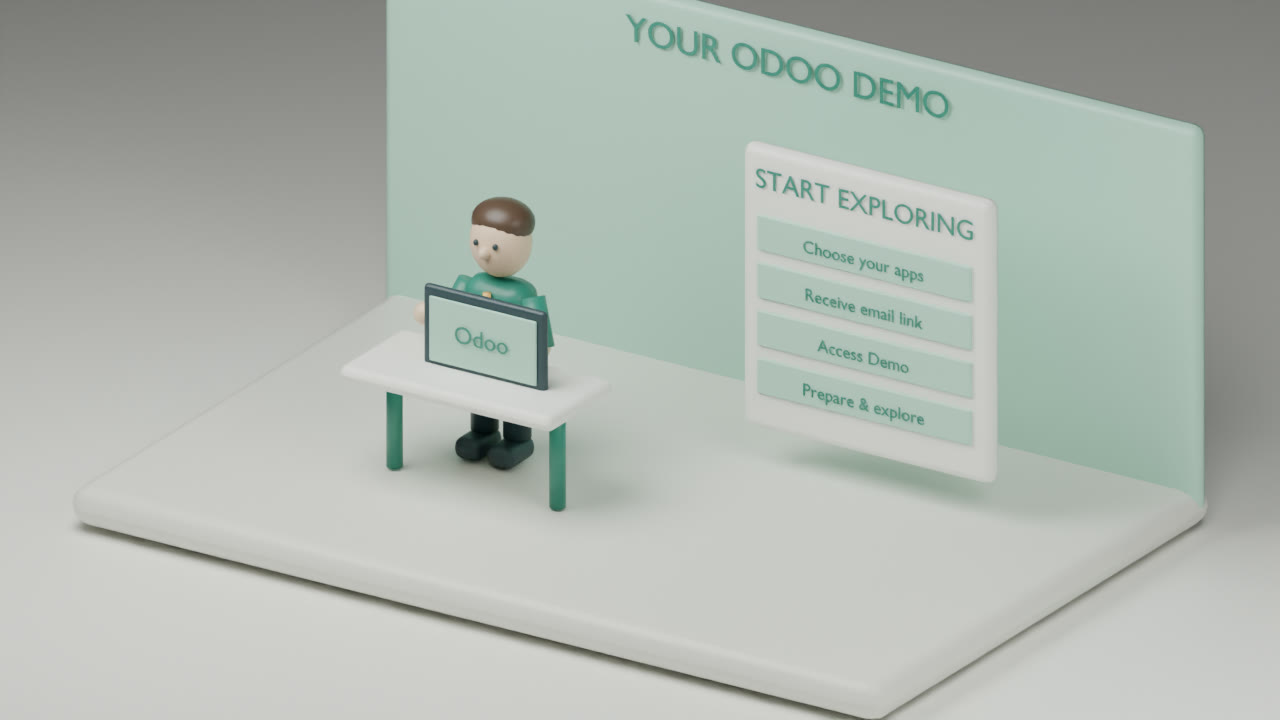
Explore Corvus Nexus apps for Odoo, discover industry solutions, and find the right fit for your business. Choose available apps to start your own interactive demo.
Three steps from choosing an app to exploring it in Odoo.
01
Choose your appsCurrent step
Select an Odoo version and available apps. Browsing starts no workspace.
02
Get your email invitationNext step
Enter your details, then open the invitation in your inbox.
03
Confirm & exploreNext step
Press Access Demo to start preparation. Follow your status, then open Odoo.
Checking demo availability…
01
Choose your apps
Choose your Odoo version, then find a Corvus app.
Loading current app catalogue…
0 Corvus appsShowing 0–0
No matching apps
Try another search or category.
Page 1 of 1
Choose an app to beginDifferent Odoo versions use separate demos.
02
Your demo, your next step.
We’ll email a link to open your private demo.
Demo limits & privacy
One new demo per email every 24 hours. Your demo runs for up to 3 hours and closes after 30 minutes of inactivity. Existing active demos are reused.
Sample data only. External sends and payments are disabled. We use a random first-party cookie, not device fingerprinting.
A CLEAR PATH TO YOUR DEMO
Try the workflow. See what fits.
01
Choose your apps
Pick your Odoo version and the apps you want to explore together. Availability and dependency issues are shown in the catalogue.
02
Open your email link
Your invitation lasts 48 hours and can be redeemed once. Press Access demo to start preparation; opening the link alone starts nothing.
03
Explore with sample data
Follow progress here, then open Odoo. Your workspace lasts up to 3 hours from readiness and closes after 30 minutes of inactivity.
What should I put in a demo?
Use synthetic data only. Do not upload confidential records, production databases or customer credentials. External sends and payments are disabled. This temporary workspace is for evaluation, not production work.
Can I return to my workspace?
Use this signed-in browser to revisit your active demo. One new demo per email is available every 24 hours. Prepare a new sign-in link here if your short-lived Odoo access link expires.
WHEN YOU ARE READY
Bring your questions. We’ll help with the next step.
Discuss app compatibility, custom Odoo development or a managed Odoo environment. For SaaS projects, ask about current availability and scope.